In short
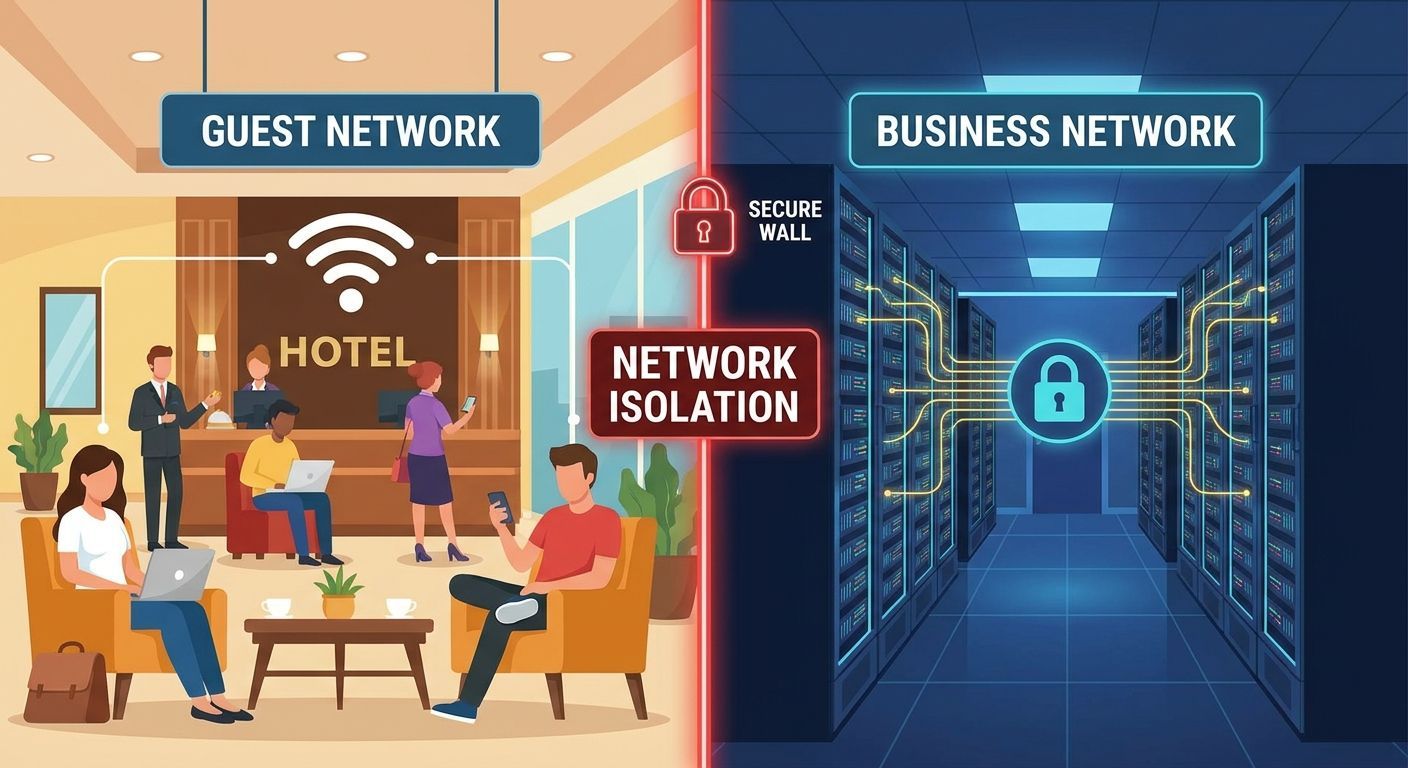
A separate network name separates nothing. Guest Wi-Fi is isolated when it sits on its own VLAN and subnet, when firewall rules deny traffic from that VLAN to every other internal network and permit only internet access, and when client isolation stops guest devices seeing each other. All three, or the guest network is your business network with a different password.
Ask most Irish SMBs whether visitors are kept off the business network and the answer is yes, because there is a separate Wi-Fi name for guests. Join that guest network with a phone, though, and you can often reach the file server, the accounts PC and the router's login page. The name is separate. The network underneath it is not.
That gap matters because guest Wi-Fi is the one part of your network you hand to strangers on purpose.
A second network name is not a second network
An SSID, the Wi-Fi name a device sees in its list, is a label the access point broadcasts. On its own it says nothing about where traffic goes after a device joins. If both SSIDs hand out addresses from the same range and drop traffic onto the same underlying network, guest phones and staff laptops sit in one address space with a clear route to each other, and to every server, printer and camera on it.
The control that does the separating is a VLAN. A VLAN, or virtual LAN, splits one set of switches and cables into several logical networks that cannot talk to each other unless something is configured to let them.
There is a setting on most access points called client isolation, sometimes labelled guest isolation. It stops devices on the same SSID from seeing each other, which is worth having. It does nothing about the wired side, because that traffic leaves the access point and gets routed like any other. Plenty of networks we inherit have that box ticked and nothing else, and the owner believes the job is done.
The three controls that do the work
Guest Wi-Fi is separated when all three of these are true. Two out of three leaves a path.
- Its own VLAN and its own subnet. Guest traffic gets a distinct VLAN ID and its own address range, with DHCP served for that range only. Nothing below this counts without it.
- Firewall rules that deny by default. On the gateway, traffic from the guest VLAN to every other internal network is dropped, and only internet-bound traffic is allowed out. Write it as a deny rule to all private address ranges, then permit the internet, rather than listing the things you want to block. Nobody remembers to add a new server to a block list eighteen months later.
- Client isolation on the guest SSID. Guest devices cannot see each other. This is what stops one infected laptop in the lobby scanning every other device in the building.
Worth adding, though it is not separation: rate limiting on the guest network, so an evening of video streaming in the lobby does not slow the card terminal at the desk.
What it looks like in three of our sectors
A dental or veterinary practice
Patients and clients bring phones into the waiting room and they will ask for the code. Imaging and practice management systems hold clinical data and often run on older software the vendor supports at a fixed configuration. Those systems and a stranger's phone should never share a broadcast domain. If you hold patient data, this is a technical measures question under GDPR, and the Data Protection Commission is the authority to read on it. See dental IT for how we normally build this.
A hotel or restaurant
Three things usually sit in the same building and belong in three separate places: guest devices, the booking and property management system, and the card payment terminal. Guest Wi-Fi is a service you advertise, so it carries the highest volume of unknown devices of any network you run.
On card payments, be careful with what you are told. Segmentation can limit which parts of your network fall inside PCI DSS scope, and whether it does in your case depends on how payments are taken and where card data flows. Take that from your acquirer or a qualified assessor, with the PCI Security Standards Council as the primary source, rather than from whoever installed the Wi-Fi. More on IT for hospitality.
An office
The visitor waiting in reception and the contractor sitting at a spare desk for six weeks look like different problems and are the same one. Neither device is managed by you, neither is patched by you, and both need internet access and nothing else. A guest VLAN answers both without anyone issuing a domain account.
The mistakes we find most often
Every VLAN trunked to the access point. The guest VLAN is configured correctly at the gateway, then the switch port feeding the access point is left carrying all VLANs, so one misconfigured SSID puts guests straight onto the staff network.
The printer that ended up on guest. Someone could not get printing working from a laptop, moved the printer to the network where it worked, and left it there. Now anything on the guest network can reach a device with a web interface and a default password.
A password unchanged since the fit-out. The laminated card on the counter has carried the same code for four years. Every former member of staff and every visitor since opening still has it. Change it on a schedule, or use a portal that issues its own codes.
Staff phones parked on guest. This is usually done to keep personal phones off the main network or to save on device licences, and it puts work email on the untrusted side of your own firewall. Staff devices belong on a staff network with the controls that go with it.
IoT treated as guest. Cameras, TVs and door controllers get dropped onto the guest network because it is the one that already exists. They need their own VLAN, because most of them need to reach something internal, and guest should never be allowed to.
Check yours in ten minutes
Take a phone off the staff Wi-Fi, join the guest network, and try three things.
- Open the router or firewall admin address in a browser. A login page is a fail.
- Browse to a shared folder or the file server by name or IP address. Anything other than a timeout is a fail.
- Print to the office printer, or open the printer's web page by its IP address. If it answers, it is a fail.
Then look at the address the phone was given. If it sits in the same range as a staff laptop, you have one network with two names, and the rest of the test is academic.
Where to start
On reasonably current UniFi kit this is an evening's work rather than a project, and it rarely needs new hardware. The order is: create the VLAN and subnet, write the deny rules, move the SSID onto it, then test with a real device before anyone else touches it. Unmanaged switches are the usual blocker, because they cannot carry VLANs at all.
If you would rather it was checked properly, that is what our networking service covers, and the wider case for splitting a flat network sits in our post on Wi-Fi and network segmentation. Talk to us and we will look at what you have.
Is a separate Wi-Fi name enough to keep guests off our business systems?
No. The network name is a label the access point broadcasts, and two names can share one underlying network. Separation needs a dedicated VLAN and subnet for guests, firewall rules that deny traffic from that VLAN to every internal network, and client isolation on the SSID. Without all three, guest devices can usually reach servers, printers and your router's login page.
Do we need a captive portal for guest Wi-Fi in Ireland?
No rule requires one. Many businesses use a portal because it presents an acceptable use notice, issues time-limited codes instead of a shared password, and records when access was granted. If you collect any personal data at that screen, such as an email address, GDPR applies to it, so collect the minimum and say plainly what you do with it.
Should staff phones use the guest network?
No. It is a common shortcut, and it puts work email and files on the untrusted side of your firewall with no management or monitoring. If you want personal phones off the main network, give them a separate staff device VLAN with its own rules, or enrol them so company data is contained. Guest is for people you do not employ.
Does separating guest Wi-Fi affect our card payment obligations?
It can, and the detail depends on your setup. Segmentation is used to limit which systems fall inside PCI DSS scope, but whether yours qualifies depends on how payments are taken and where card data travels. Confirm it with your acquirer or a qualified assessor, and treat the PCI Security Standards Council as the source rather than assuming a guest VLAN settles the question.
How long does it take to separate guest Wi-Fi on an existing network?
On reasonably current switches and access points it is usually a few hours including testing, and it rarely needs new hardware. The work is creating the VLAN and address range, writing default-deny firewall rules, moving the guest SSID onto it, then testing from a real device. Older unmanaged switches are the common blocker, because they cannot carry VLANs at all.