In short
List the four things that stop your business: people, premises, systems and suppliers. Beside each, write how long you can run without it and what you do in the meantime. Add a contact sheet saying who rings whom, and two IT facts: how long a restore takes and when it was last tested. Print it, test it once a year in a 45-minute tabletop exercise, and you have a plan people will use.
When we ask at onboarding where the continuity plan is, the answer is usually "we don't have one" or "it's in a folder somewhere". Neither helps at 8.15 on a Tuesday when the broadband is down, the office manager is off sick, and the first customers are at the door.
You don't need a binder. You need one page that tells the person standing in the office what to do first, and you can write it this week.
Why one page beats a binder nobody opens
A business continuity plan is how you keep serving customers when something you depend on stops working. Its test is plain: on a bad morning, can the person who finds the problem act on it within five minutes?
A forty-page document fails that test. It was often written for an insurer or an auditor, it lives on the server that has gone down, and nobody has read it since the day it was signed off.
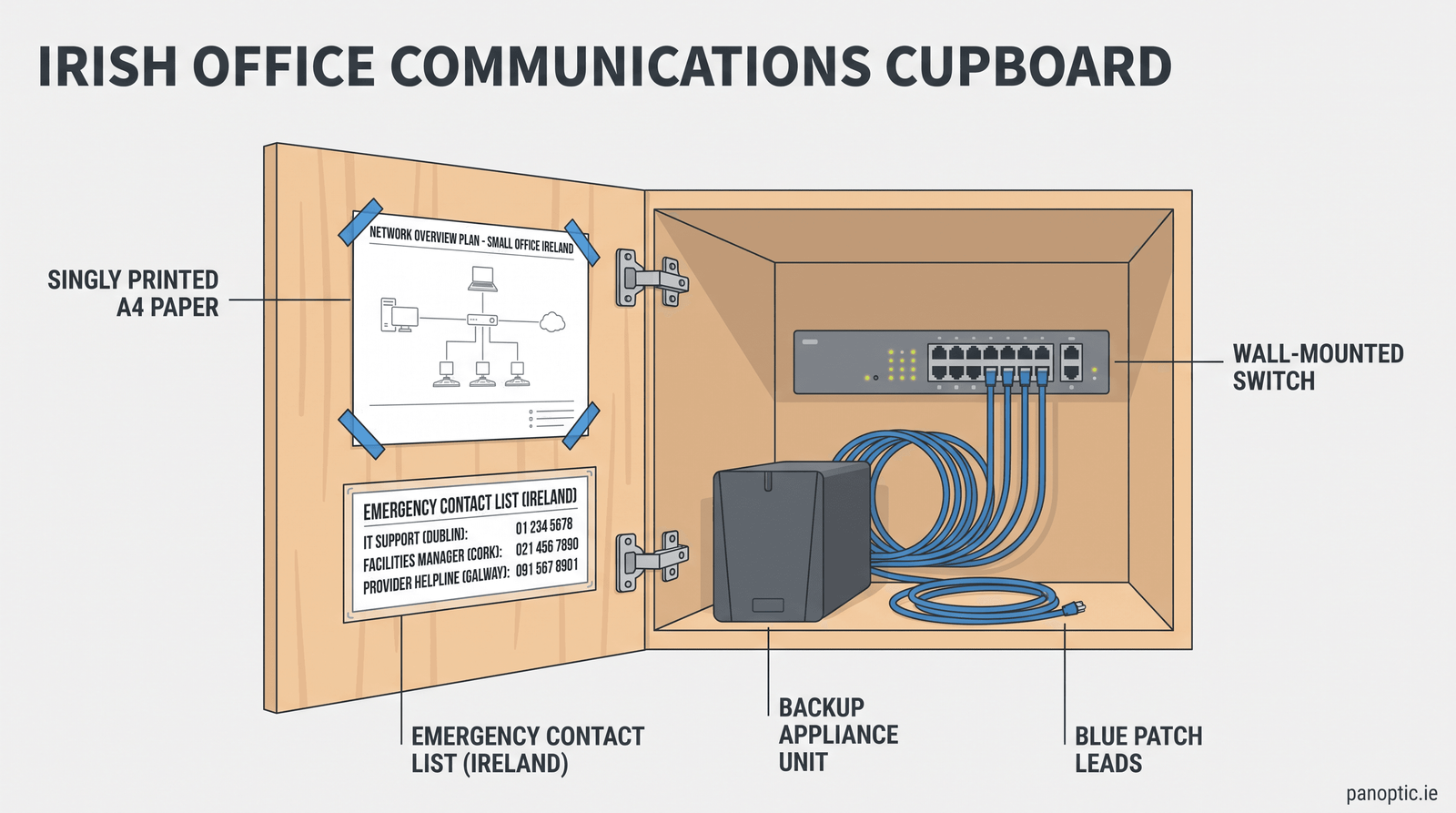
One page forces decisions. You can't list everything, so you list what matters. It fits on the inside of a cupboard door, in a manager's car, and as a PDF on every key person's phone. Because it's short, you'll keep it current.
The IT part of this is often called a disaster recovery plan: how systems and data come back, and how long that takes. It belongs inside the continuity plan, not in a separate document only your IT provider has seen.
List what stops your day, and put a number beside each
The four things
A business stops for one of four reasons. Write specific names under each heading, not categories.
- People. The one person who runs payroll. The only staff member who knows the supplier payment process. Whoever holds the main admin password.
- Premises. Flood, fire, a power cut, a burst pipe overhead, the building locked, no broadband.
- Systems. Your practice management or booking system, the accounts package, email, phones, card terminals.
- Suppliers. Your broadband carrier, your IT provider, the software vendor behind your main system, your payment processor, your most important stock supplier.
A firm of 10 to 60 staff usually ends up with eight to twelve items. If you have thirty, you're listing inconveniences rather than things that stop the business.
How long, and what instead
Beside each item, write two things: how long you can run without it before you lose money you won't get back, and what you do during that window. Use hours, not "a while". Here are a few illustrative lines for a small practice:
| What stops | Can run without it for | What you do instead |
|---|---|---|
| Practice management system | 2 hours | Printed day list, notes typed up later |
| Broadband | Half a day | Mobile router for card terminals and key PCs |
| Office manager off sick | 3 days | A second person trained on payroll and supplier payments |
| Building unusable | 1 day | Phones diverted to mobiles, staff on laptops at home |
The honest number is the useful part. If you write "two hours" beside your main system and your current backup takes two days to restore, you have found your first project. Better to find it on paper than during an outage.
The contact sheet: who rings whom, in what order
When something breaks, the first fifteen minutes go on finding phone numbers. Put them on the page.
- Who decides the plan is in effect. One name and one deputy. Without this, three people make three different calls.
- Staff. Mobile numbers, and who rings whom, so nobody makes twenty calls.
- Your IT provider. The support number and your contract reference.
- Broadband and phone carrier. The fault line and your account number, because it's the first thing they ask for.
- Insurer, landlord, bank and key suppliers. Policy and account numbers beside each.
- The Data Protection Commission. Article 33 of GDPR requires you to notify the DPC within 72 hours of becoming aware of a personal data breach, unless it's unlikely to put anyone at risk. Know where to report before you need to.
Add a two-line holding message for customers, written now while nobody is under pressure. Then keep a printed copy away from the office. If email is down, the numbers saved in Outlook are no use to you.
The IT half: three questions to answer in writing
How long does a restore take?
Backup is a copy of your data. Recovery is your business running again, and the gap between the two is measured in hours you're not working. Ask your IT provider two questions and write the answers on the page: how long would it take to get our main system running again, and when did you last prove it by restoring something? We covered why this matters in our piece on IT for wholesalers, and the same logic holds in any trade.
What if Microsoft 365 is unavailable?
Microsoft 365 outages do happen. In our experience the more common problem is narrower: one account locked out, one mailbox compromised, one shared folder emptied by mistake. Decide in advance how staff reach each other if email and Teams are unavailable (a phone call tree works), and confirm your Microsoft 365 data is backed up separately, because Microsoft's built-in retention has limits.
Can people work from their phones?
If the office is closed or the broadband is down, check that staff can reach the systems they need from a phone, or from a laptop on a mobile hotspot, with multi-factor authentication still working. Check whether your card terminals have a mobile data fallback. These are ten-minute checks now and a lost day if you discover the answer during an outage.
Test it once a year in 45 minutes
A tabletop exercise is a meeting where you walk through a scenario as if it were happening. Get the people named on the plan in a room, read out a scenario, and have them say what they would do using only the page.
Three scenarios cover most of what matters:
- "It's 8.15 on Tuesday. The building has no power and won't have it until tomorrow."
- "Your office manager is in hospital for two weeks. Payroll is due Friday."
- "A staff member clicked a link and their mailbox is sending fake invoices to your customers."
Note every point where someone hesitated or a number was missing, and fix the page that week. Pair the exercise with one real restore test, and record the date and how long it took.
That record is also evidence. Article 21(2)(c) of NIS2 lists business continuity, backup management, disaster recovery and crisis management among the measures in-scope organisations must take. Article 11 of DORA requires financial entities to keep an ICT business continuity policy. Most small businesses aren't directly in scope of either, but customers who are often pass the same questions down to their suppliers. Our guide to NIS2 requirements in Ireland maps out the rest, and the NCSC publishes guidance worth reading alongside it.
Where to start this week
Spread it over five short sessions rather than one long one:
- Monday. Write the four headings and fill in specific names.
- Tuesday. Put a number and a workaround beside each.
- Wednesday. Build the contact sheet and write the customer holding message.
- Thursday. Ask your IT provider the restore questions and write down the answers.
- Friday. Print three copies, store one off-site, and put a tabletop exercise in the diary.
After that, give the page ten minutes once a quarter, or whenever something changes: a new system, a new supplier, someone leaving. That review is part of what our Technology Success Program covers, alongside the monitoring and tested backups in our managed IT service.
We work with businesses across Ireland from our offices in Kilkenny and Cork. If you'd like a second pair of eyes on your page, get in touch and we'll go through it with you.
What should be in a business continuity plan for a small business?
The things that would stop your business (people, premises, systems and suppliers), how long you can run without each, and what you do in the meantime. Add a contact sheet saying who rings whom, and the IT recovery details: how long a restore takes and when it was last tested. For a business of 10 to 60 staff, all of that fits on one page.
What's the difference between a business continuity plan and a disaster recovery plan?
A business continuity plan covers how the whole business keeps serving customers when something it depends on stops, including staff, premises and suppliers. A disaster recovery plan is the IT part: how systems and data are restored, in what order, and how long that takes. You need both, and the recovery plan should sit inside the continuity plan rather than in a separate document.
How often should a small business test its continuity plan?
At least once a year, with a tabletop exercise of about 45 minutes where the people named on the plan walk through a scenario using only the page. Add a real restore test on a regular schedule. Review the page whenever something changes, such as a new system, a new supplier or a key person leaving. A ten-minute quarterly check catches most of that.
Does NIS2 require a business continuity plan?
If your organisation is in scope, yes. Article 21(2)(c) of NIS2, Directive (EU) 2022/2555, lists business continuity, including backup management, disaster recovery and crisis management, among the measures in-scope entities must take. Most small businesses are not directly in scope, but customers who are often pass the same expectation down through contracts and supplier questionnaires.
Do we still need a continuity plan if everything is in the cloud?
Yes. Cloud services remove some risks, such as a server failing in your office, but not others. Your broadband can fail, a staff account can be locked out or compromised, and Microsoft's built-in retention has limits. You still need to know how staff work if the office is closed, who to ring first, and how long it takes to get a deleted mailbox or file back.