In short
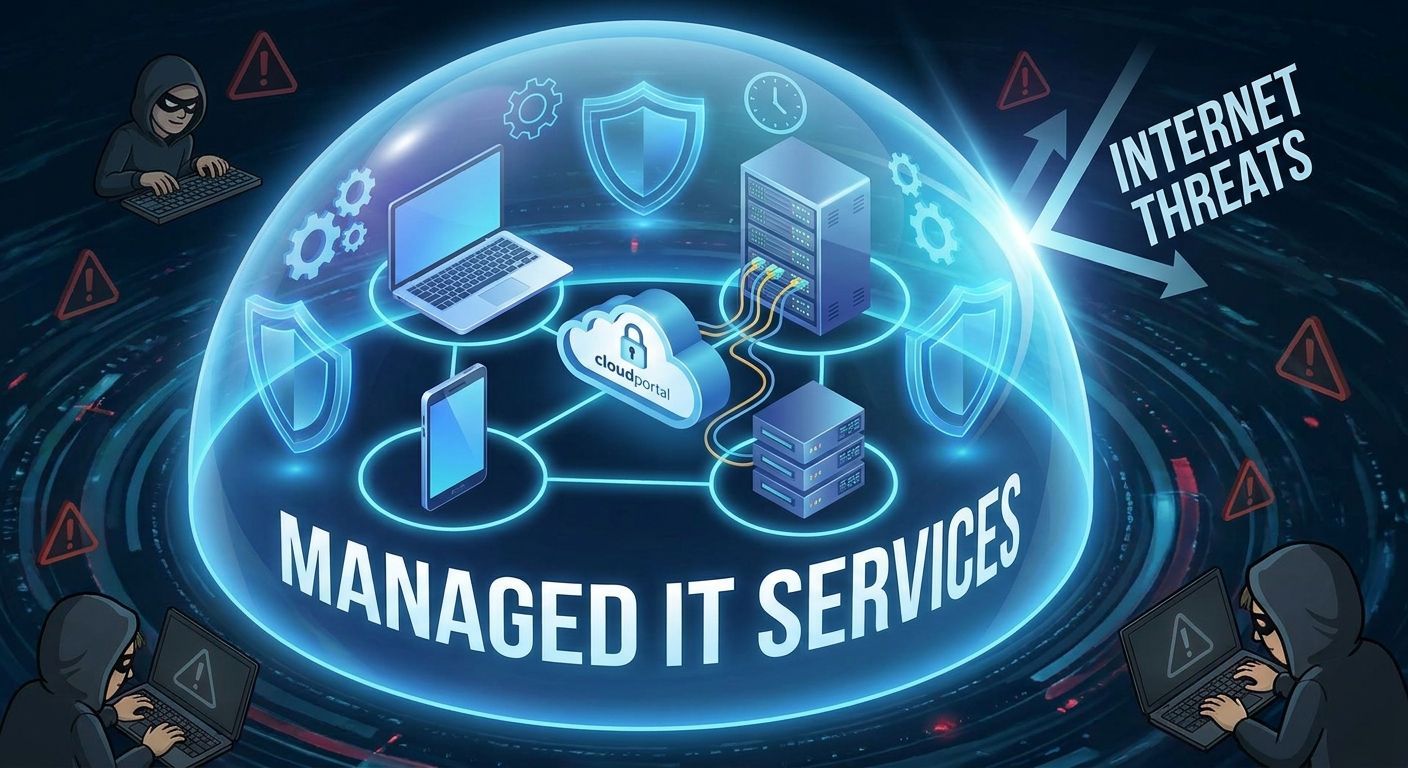
A managed service provider runs your IT for a fixed monthly fee. The work is monitoring and patching, a helpdesk your staff ring, identity and email security, backup with tested restores, and holding your software and broadband suppliers to account. Most of it happens before anyone notices a fault. Businesses usually move when informal support stops scaling, not when something breaks.
"Managed service provider" is a phrase the IT industry coined for itself, and it describes the contract rather than the work. If you run a 30-person practice or a distribution business, what you want to know is what someone takes off your desk, what it costs, and at what point muddling through stops making sense.
The job in one sentence
A managed service provider runs your IT for a fixed monthly fee, and is measured on how little you notice it.
The shape of that agreement matters more than any product inside it. You are not buying hours. You are buying a result: systems that work, one number to ring when they do not, and a single organisation accountable for stopping the same fault happening a third time.
What the work looks like week to week
Most of it happens without anyone raising a ticket.
Monitoring and patching. Servers, laptops and firewalls report their health continuously. Updates get tested and rolled out on a schedule, rather than whenever a staff member stops clicking "remind me tomorrow". A good share of faults are caught while they are still a warning.
The helpdesk. Your team contacts one place. Passwords, printers, a laptop that will not wake, a file someone deleted on Friday afternoon. This is the part your staff actually see, and it is the part they judge us on.
Identity and email. Who has access to what, multi-factor authentication, joiners and leavers, mailbox security and mail flow. For most Irish SMBs this is where security incidents begin, so it is where the attention goes.
Backup, and testing the restore. Taking a backup is the easy half. Proving it restores inside a window your business can survive is the half that gets skipped, and nobody discovers the gap at a convenient moment.
Vendor wrangling. Your practice management vendor, your broadband provider, Microsoft. Someone has to hold three suppliers to one timeline while each explains that the problem belongs to the other two. That work should sit with your provider, not with your office manager.
Planning. Hardware ages, licences renew, budgets get set. You should be told what is coming in the next twelve months before it arrives as an unexpected invoice. That is the job of our Technology Success Program, which sits above the day-to-day managed IT service.
What a managed service provider does not do
The exclusions matter as much as the inclusions, and they are rarely printed on the brochure.
We do not write your line-of-business software. If your dental imaging or your order management system has a bug, we can reproduce it, escalate it and chase the vendor, but the fix is theirs.
We do not make your decisions. How much risk you carry, what you spend, whether an old server gets replaced this year or next: those are yours. Our job is to give you the position in plain English so the choice is an informed one.
And not everything sits inside the monthly fee. Projects, hardware, and third-party licences are usually separate. Ask any provider to put the boundary in writing before you sign. Ours is set out on our pricing page.
Five signs you have outgrown ad-hoc support
- Your staff ring one person's mobile. Usually the owner's nephew, or the one employee who is good with computers. It works until they are on holiday, and it is not their job.
- Nobody can say when a restore was last tested. Not whether backups are running. Whether a real file, or a real server, has been brought back and checked.
- A client, insurer or auditor asks for evidence you cannot produce. Insurance questionnaires and tender documents now ask about patching, MFA and incident response. The National Cyber Security Centre has pushed the same expectations further into the supply chain under NIS2.
- Onboarding a new starter takes days. If setting up an account, a laptop and the right access is a scramble every time, there is no process, only memory.
- IT spend arrives as a surprise. Three quiet months, then a five-figure month. That is not a budget, it is a series of emergencies.
None of these are technical failures. They are all the same organisational problem: the work depends on one person remembering, and nobody has written it down.
Break/fix and managed IT: where the money goes
Under break/fix you pay for hours when something goes wrong. The provider is paid more when your systems misbehave, and their revenue falls when your network runs well. Nobody involved is acting in bad faith. The incentive is simply pointed the wrong way.
Under a managed agreement the fee is fixed. Every fault prevented is time the provider does not spend, so stability is in their interest as much as yours. That is the structural argument for managed IT, and it is a better one than any feature list.
The second difference is predictability. A fixed monthly cost per user or per device lets you budget twelve months out. For an owner-managed business, knowing the number is often worth more than shaving a little off it.
What to do before you sign anything
Ask any provider you are considering for four things: an audit of what you have now, a named contact who will still be there in a year, response times written into the agreement, and a clear list of what falls outside the fee.
Moving is also less disruptive than most owners expect, provided the handover is planned rather than improvised. Ours runs as a 90-day managed onboarding, so nothing depends on your outgoing provider being helpful.
If you want a second opinion on your current setup before you change anything, talk to us. We will tell you where you stand, including the parts that are working fine. Our guides cover the next two questions in more depth: how to choose a provider, and how to move without downtime.
What is the difference between a managed service provider and an IT support company?
The billing model, mostly. A traditional IT support company charges for hours when something breaks. A managed service provider charges a fixed monthly fee and takes on responsibility for keeping systems running, including monitoring, patching and backup that happen whether or not you raise a ticket. In practice, the managed model buys prevention as well as repair.
How much does managed IT cost for a small business in Ireland?
Pricing is usually per user or per device, per month, with the range depending on what sits inside the fee: support hours, security tooling, backup, and how much planning work is included. Projects, hardware and third-party licences are normally billed separately. Ask for the inclusions and exclusions in writing before comparing two quotes.
Do we still need someone in-house if we use a managed service provider?
Most businesses under about 60 staff do not. Above that, an internal person often stays, handling floor-walking and business systems, while the provider covers infrastructure, security, out-of-hours cover and holidays. The arrangement works best when the split is written down, so nobody assumes a task belongs to the other side.
What happens to our current IT provider's access when we switch?
It gets removed, and that step needs planning rather than goodwill. Administrator accounts, domain and DNS control, Microsoft 365 partner relationships, firewall logins and backup consoles all need to be identified, transferred and then revoked. A structured handover also surfaces anything undocumented, which is often the most useful part of the process.
How long does onboarding with a managed service provider take?
Ours runs over 90 days and we manage the whole of it. It opens with discovery and documentation, moves on to deploying monitoring and security tooling, then works through whatever the audit found, with review points along the way. Support goes live early in that window, so your team has somewhere to ring while the rest of the work continues. The stages are set out on our how we onboard page.