In short
When someone leaves, revoke their sign-in sessions rather than only resetting the password, convert their mailbox instead of deleting it, and move their OneDrive files to a named owner before the account is removed. Then close the accounts nobody documented: the domain registrar, the courier portal, the social logins. Under GDPR you remain responsible for the client data they held, and for keeping their own personal data no longer than you need it.
Someone hands in their notice on a Monday morning. By the time they walk out the door, their mailbox, their files and every login they ever created have become your problem. Most businesses handle the laptop and the keys well. The data side is where things get left half done.
This is the order of work we use, and the questions worth asking before anyone gives notice at all.
The notice period is where the risk sits
The gap between a resignation and a last day is the window that matters. Two different things go wrong in it, and they need different answers.
The first is copying. People take the work they think of as theirs: a client list, a set of templates, a portfolio of designs, a spreadsheet they built and maintained for four years. Very few of them think of it as taking anything. If that material contains client names or contact details, it is personal data leaving your control, and you are the one who has to account for it.
The second is access that outlives the person. A leaver who can still sign in three weeks later is a live risk, whether or not they intend anything by it. Their credentials are also the ones most likely to appear in a breach dump nobody is watching, because nobody is watching an account that should not exist.
Deciding which of those you are managing changes what you do. Monitoring and clear expectations address the first. Speed addresses the second.
The four things that need to happen on the last day
Order matters more than people expect.
- Revoke the sign-in sessions, then reset the password. A password reset on its own does not end a session that is already open. This is the same sequence we set out in spotting a hijacked mailbox early, and it applies for the same reason: an active token keeps working until something explicitly kills it.
- Convert the mailbox, do not delete it. In Microsoft 365 a shared mailbox keeps the mail, keeps the address alive so client replies do not bounce, and does not consume a licence in the same way a user account does. Deleting the account and hoping the retention window covers you is the expensive version. Deleted items in Exchange Online sit in a limited recovery window, and we explain why that window is not a backup in email and data you can get back.
- Move their files to a named owner before the account goes. OneDrive content belongs to the account, not to the business, and it disappears on the same schedule the account does. Somebody has to be named as the new owner of that content, in writing, on the day.
- Collect the device, wipe it, and account for the encryption key. A returned laptop that has not been wiped is still a copy of your data sitting in a drawer. If it was encrypted, the recovery key needs to be somewhere you can find it, which is one of the reasons a managed estate is easier to close out than an unmanaged one. We covered that in every device, set up and watched.
The accounts nobody remembers
This is the section most readers will act on, because it is the one that catches nearly everybody.
Over a few years, one capable person quietly becomes the registered contact for a surprising amount of the business. Ask yourself who holds:
- The domain registrar login, and the email address the renewal notices go to
- The courier or logistics portal
- The card machine or payment provider account
- The social media pages, and the personal profile they are administered through
- The line-of-business software licence, if it was bought under their name
- The mobile phone account and any two-factor codes routed to their number
The last one is the quiet killer. If a recovery code goes to a phone number that is about to be cancelled, you may not find out until the next renewal, by which point you are proving ownership to a support desk in another country.
Build that list while the person is still employed and willing to help. It is a fifteen minute conversation before their last day and a week of work afterwards.
What GDPR expects of you here
Two separate duties run in parallel, and they pull in opposite directions.
The first concerns the departing person's own data. The storage limitation principle in Article 5(1)(e) of GDPR says personal data is kept in identifiable form no longer than is necessary for the purpose it was collected for. Their HR file, their contract and the contents of their mailbox all fall under that. You will have legitimate reasons to keep some of it, including employment law and Revenue obligations, and those reasons should be written down rather than assumed.
The second concerns everyone else's data, which they were handling on your behalf. You are still the controller of it. If a converted mailbox now holds several years of client correspondence, Article 30 expects your record of processing activities to reflect where that data lives and who can reach it. A shared mailbox with five people in it is a different access picture from a single user account, and the record should say so.
Firms in accountancy and legal services carry an extra layer here, because professional confidentiality duties sit on top of GDPR and are enforced separately by their own bodies. If you are unsure how long you must retain a specific category of record, check with your professional body before you delete anything. The Data Protection Commission publishes general guidance, but it will not answer a sector-specific retention question for you.
Write it down before you need it
The process fails in the same way in most businesses. It lives in one person's head, and it gets carried out under time pressure on someone's last afternoon.
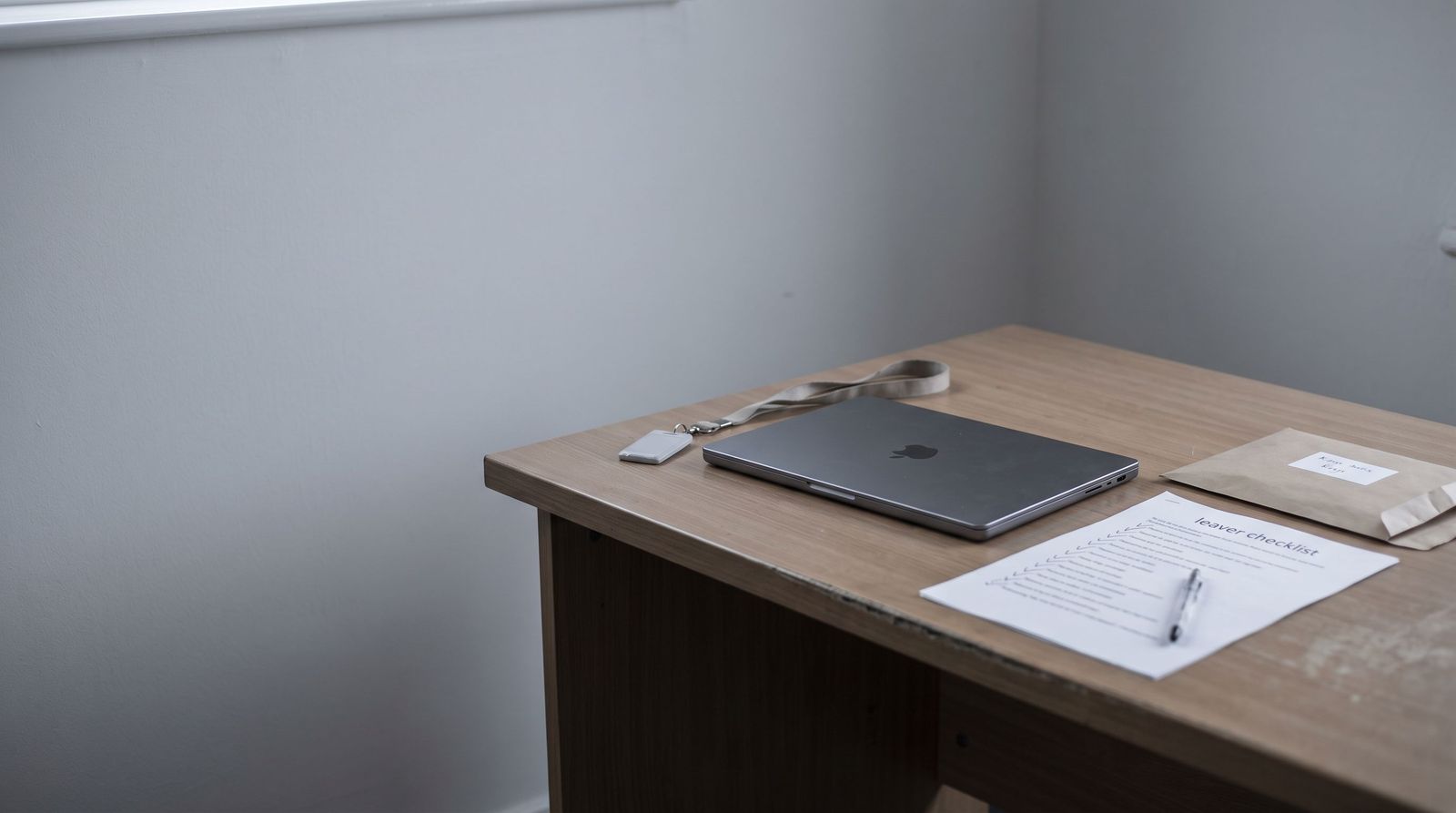
A one-page leaver checklist fixes most of that. Ours has three columns: the step, who does it, and the date it was done. It is owned by whoever runs the office rather than by IT, because the office knows about the courier account and IT does not.
The review trigger is built in. Every time someone leaves and you discover an account nobody had listed, that account gets added to the list. After three or four departures the list is close to complete, and it stays complete because it is maintained by use rather than by an annual review nobody schedules.
Where to start this week
Pick your most recent leaver and try to sign in as them. Not literally, but check the account: does it still exist, is it still licensed, can it still receive mail, and does anyone still have their phone number as a recovery method?
That one check tells you what your offboarding process is, as opposed to what you believe it is. If the answer is uncomfortable, the fix is a morning's work rather than a project.
We build offboarding into the managed IT service for our clients, so the account closes on the day rather than the week after. If you would rather walk through your own process first, get in touch and we will go through it with you.
What should I do with a departing employee's email account?
Convert it to a shared mailbox rather than deleting it. That keeps the mail, keeps the address alive so client replies do not bounce, and avoids paying for a full user licence. Give named people access, review that list after a few months, and record where the mailbox now sits in your processing record. Deleting the account and relying on the recovery window is how businesses lose correspondence they later need.
Can an ex-employee still access company files after they leave?
Yes, if you only reset the password. A reset does not end a session that is already signed in, so revoke active sessions and refresh tokens first, then reset. Also check personal devices enrolled to their account, any forwarding rules they set, and shared links they created. Files synced to a home laptop stay there until the account is properly disconnected.
How long can we keep a former employee's data under GDPR?
Only as long as you need it for a stated purpose. Article 5(1)(e) of GDPR sets that principle, and employment law and Revenue obligations give you legitimate reasons to keep some records for years. Write the retention period down against each category rather than deciding case by case. If you are in a regulated profession, check your own body's retention rules before you delete anything.
Who owns work an employee created on their own laptop?
Usually the business, if it was created in the course of their employment, but the contract is what settles it. The practical problem is different from the legal one: you may own the work and still have no copy of it. Anything created on a personal device should be saved to company storage as it is produced, and that expectation belongs in the contract and in the induction.
Do we have to give a departing employee a copy of their emails?
Not automatically. If they make a subject access request, you must provide their personal data, which is not the same as handing over their whole mailbox. Business correspondence, client records and third-party information are not theirs by default. Take advice before responding, because over-disclosing another person's data in the course of answering a request creates a second problem.