In short
A SOC collects the records your systems produce, watches them for attack patterns, contains what it finds and keeps the evidence. A small Irish business buys this as a service (EDR on every device, identity monitoring on Microsoft 365, engineers on call) rather than building it. You need it when a client, insurer or NIS2-regulated customer asks for evidence, when you could not answer what was reached after a breach, or when downtime costs real money by the minute.
SOC stands for security operations centre: the team, and the tools, that watch your systems 24/7 and act on alerts. For a small Irish business the honest answer to "do we need one" is: you need what a SOC does, and you almost certainly should not build one. You buy the function from a provider, and the useful question becomes what to look for when you do.
This guide explains what a SOC does all day, what the same function looks like at small-business scale, and the questions that separate real monitoring from a dashboard nobody reads.
What does SOC stand for, and what does a SOC do?
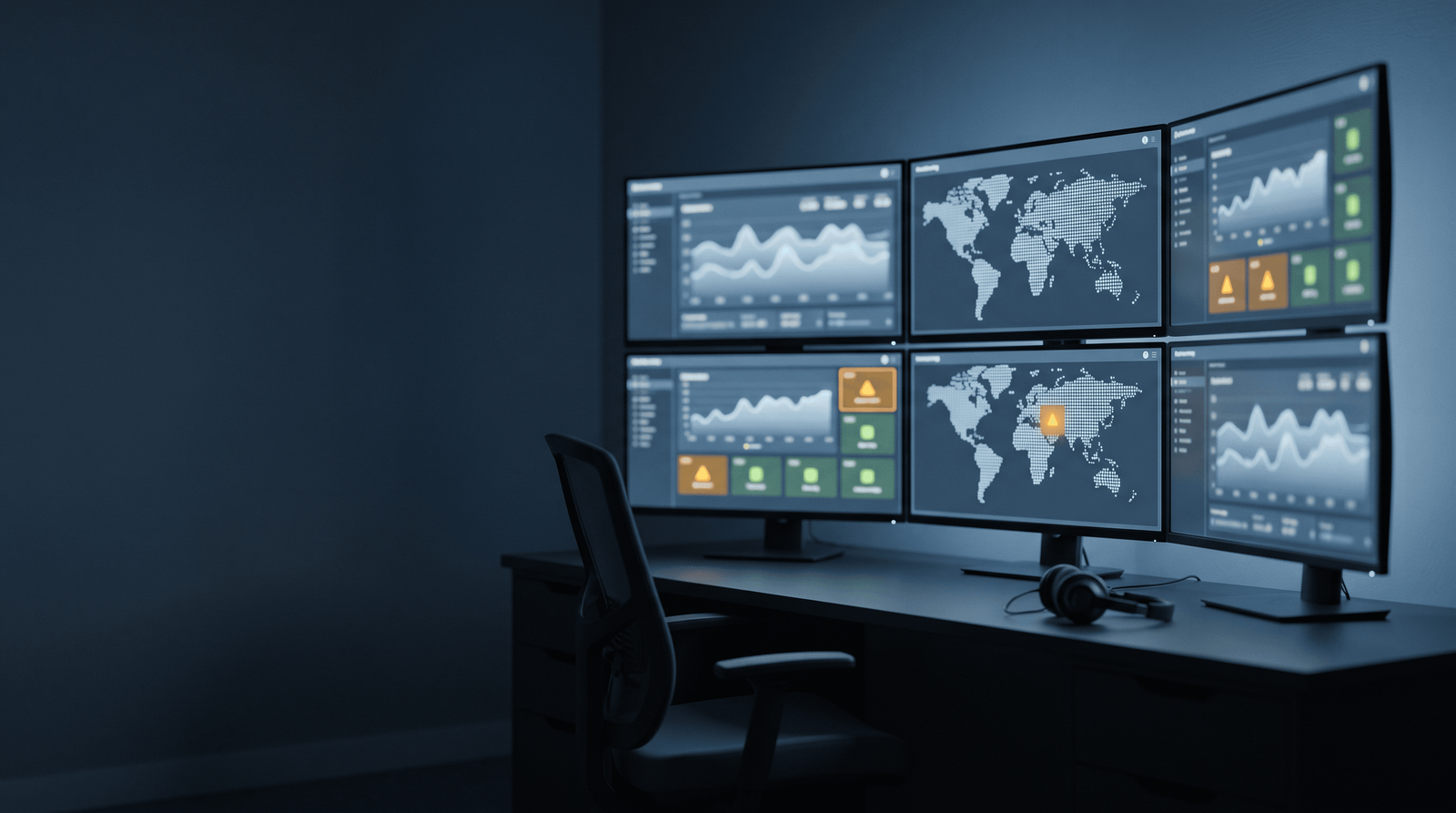
Strip the acronym away and a security operations centre does four things.
Collects signals. Every device, account and system produces a record of what happened: sign-ins, file changes, processes starting, rules changing in a mailbox. A SOC gathers those records in one place, because an attack rarely announces itself in any single one of them.
Watches for the patterns that matter. A sign-in from Dublin at 09:00 is a Tuesday. The same account signing in from another continent at 03:00, then creating a mail-forwarding rule, is an incident in progress. Detection is mostly the work of telling those two apart without waking someone for every Tuesday.
Responds. When something trips, someone or something acts: the device is isolated from the network, the account is blocked, the session is killed. Speed matters more here than anywhere else, because the gap between "one laptop" and "every laptop" is measured in minutes.
Keeps the record. After the event, the SOC can say what happened, what was reached and what changed. That record is what an insurer, a client questionnaire or a NIS2 supply-chain request asks for.
What this looks like for a 30-person business
A bank runs a room of analysts on shifts. A 30-person accountancy practice does not, and does not need to. The same four functions arrive as a service, built from three layers.
Endpoint detection and response (EDR) on every laptop, desktop and server. This is the collection and the first line of response in one: when a device starts behaving like a compromised device, it is isolated automatically, at 3 a.m. or 3 p.m., before a person reads the alert.
Identity monitoring on your Microsoft 365 tenant. Most small-business incidents start with a stolen password, not malware, so the sign-in log is the most valuable feed you have. Impossible-travel sign-ins, new forwarding rules and privilege changes are the patterns that matter.
People on call. Automation contains; it does not investigate. An engineer reviews what tripped, works out what was reached, and rings you if you need to act. Ask any provider where those people are and during which hours they work, because "24/7 monitoring" often means the software never sleeps while the people work office hours. That split is normal and workable. It is only a problem when nobody told you.
At this scale the service is priced per device or folded into a managed IT agreement, tens of euro per user per month rather than the six-figure cost of standing up your own.
Do you need it?
Three tests, any one of which is a yes.
Someone else is asking. A client security questionnaire, a cyber-insurance proposal form or a NIS2-regulated customer wants evidence that someone watches your systems and can produce a record. "Our IT company would notice" does not pass those forms; a monitoring report does.
You could not answer "what was reached?". If a mailbox was compromised last month, could anyone tell you which messages were read and whether a rule was left behind? Without collected logs the honest answer is no, and the cleanup becomes guesswork.
Downtime is measured in money. If the practice, the warehouse or the front desk stops when the systems stop, the minutes between detection and containment are the whole game.
If none of these apply, spend first on the basics that reduce what there is to detect: multi-factor authentication everywhere, patching, tested backups and staff training. Monitoring watches a house; those are the locks.
The questions that separate real monitoring from a dashboard
Put these to any provider, ours included, and ask for the answers in writing.
- What do you collect, from which systems?
- What happens automatically when a device is compromised, and how fast?
- Who reviews alerts, where are they, and during which hours?
- When did you last ring a client about something the tooling caught?
- What report do I get, and would it satisfy an insurer or a client audit?
A provider doing the work answers these in plain sentences. A provider selling a licence changes the subject to the product's name.
What does SOC stand for in cyber security?
Security operations centre: the team and tooling that collect the activity records your systems produce, watch them for signs of attack, contain what they find and keep the evidence. For a small business it is a service you buy, not a room you build.
How much does SOC-style monitoring cost for a small Irish business?
As part of a managed IT or security agreement it is typically priced per user or per device, tens of euro per user per month depending on scope. Building your own, with tooling and shift cover, runs to six figures a year, which is why almost no SME does it.
Is 24/7 monitoring really 24/7?
The tooling is; the people often are not. Automated containment (isolating a compromised device, blocking a sign-in) runs around the clock, while engineer review commonly happens in working hours unless you pay for on-call cover. Ask any provider to put the split in writing.
Do we need a SOC if we already have antivirus and backups?
They answer different questions. Antivirus tries to stop known malware on one machine, and backups get data back afterwards. Monitoring is what tells you an account in your Microsoft 365 tenant was compromised, what was reached, and that it was contained, which is what insurers and client questionnaires increasingly ask you to prove.