In short
An IT budget for a 30-person Irish business has two halves. Recurring monthly costs cover support, security, Microsoft 365 licences, connectivity and backup. Capital costs cover hardware on a replacement cycle, typically a quarter of the fleet each year. Build both from what you already spend, add a contingency line for incidents, and review the whole plan once a year.
Ask the owner of a 30-person business what their IT costs each year, and the honest answer is usually a shrug. The spend sits across four suppliers, two direct debits and a company card, and nobody has added it up since the last time something broke.
That is a budgeting problem before it is a technology problem. Here is how I would build the number from scratch.
Start with what you already spend
Before you plan next year, find out what this year cost. Pull twelve months of bank statements and card transactions, and write down every line that is technology: broadband, mobiles, Microsoft licences, the support contract, website hosting, the accounting package, the security subscription somebody expensed in March.
Two columns are enough. Recurring means it lands every month or every year whether anything happens or not. One-off means somebody bought it once.
Most people find the same two things in this exercise. There are subscriptions nobody uses, and there is at least one service still billed in the name of someone who left. That first page tends to pay for the hour it takes to write.
The recurring lines you can predict
Five lines cover almost all of the predictable spend in a business this size.
- Support and monitoring. Someone answering the phone, patching the machines and watching for failures. This line decides how much of your own team's week goes on IT.
- Security. Endpoint protection, email filtering, dark web monitoring and staff awareness training. Keep it separate from support, because it costs money in the years nothing happens.
- Microsoft 365 or Google Workspace licences. Billed per person per month, and different people need different plans.
- Connectivity. Broadband at each site, a backup line if an hour of downtime costs you real money, and mobile data.
- Backup. Your servers and your cloud data. Microsoft 365 data is not retained the way most owners assume, so backup usually earns its own line rather than hiding inside managed IT.
Per user or per device?
Both, and this is where budgets go wrong. Support and licensing scale with people. Security tooling, patching and backup scale with machines.
A 30-person firm rarely has 30 devices. Between laptops, desktops, a server or two, and the shared machines on reception or in the workshop, the device count often runs to 40 or 50. Budget on the devices you have, not the headcount you quote. Our pricing page has a calculator that takes both numbers, so you can put your own figures in rather than working from an average that does not describe your business.
One warning on licences. Plan names, and what sits inside each plan, change every few months. Check current plan pricing at the point you build the budget, and be careful about assuming a plan still covers a feature somebody mentioned last year.
The capital lines you can plan for
Hardware is where a predictable cost gets treated as a surprise.
Set a replacement cycle and hold to it. A four-year cycle across 30 staff means roughly seven or eight machines every year, which is a line item you can forecast. The same fleet replaced reactively gives you three quiet years and one painful one, usually the year money is tight.
Two other cycles matter:
- Network equipment. Switches, firewalls and access points last longer than laptops, but they do expire, and vendor support for older models ends. Plan a refresh every five to seven years, or sooner where you have grown into the kit. Our networking page covers what that work involves.
- Servers and on-site storage. If you still run one, it has a defined end of life. That cost belongs in a future year of the plan rather than arriving as an emergency.
Talk to your accountant about how each of these is treated for capital allowances, because the accounting treatment can change which year you want to buy in.
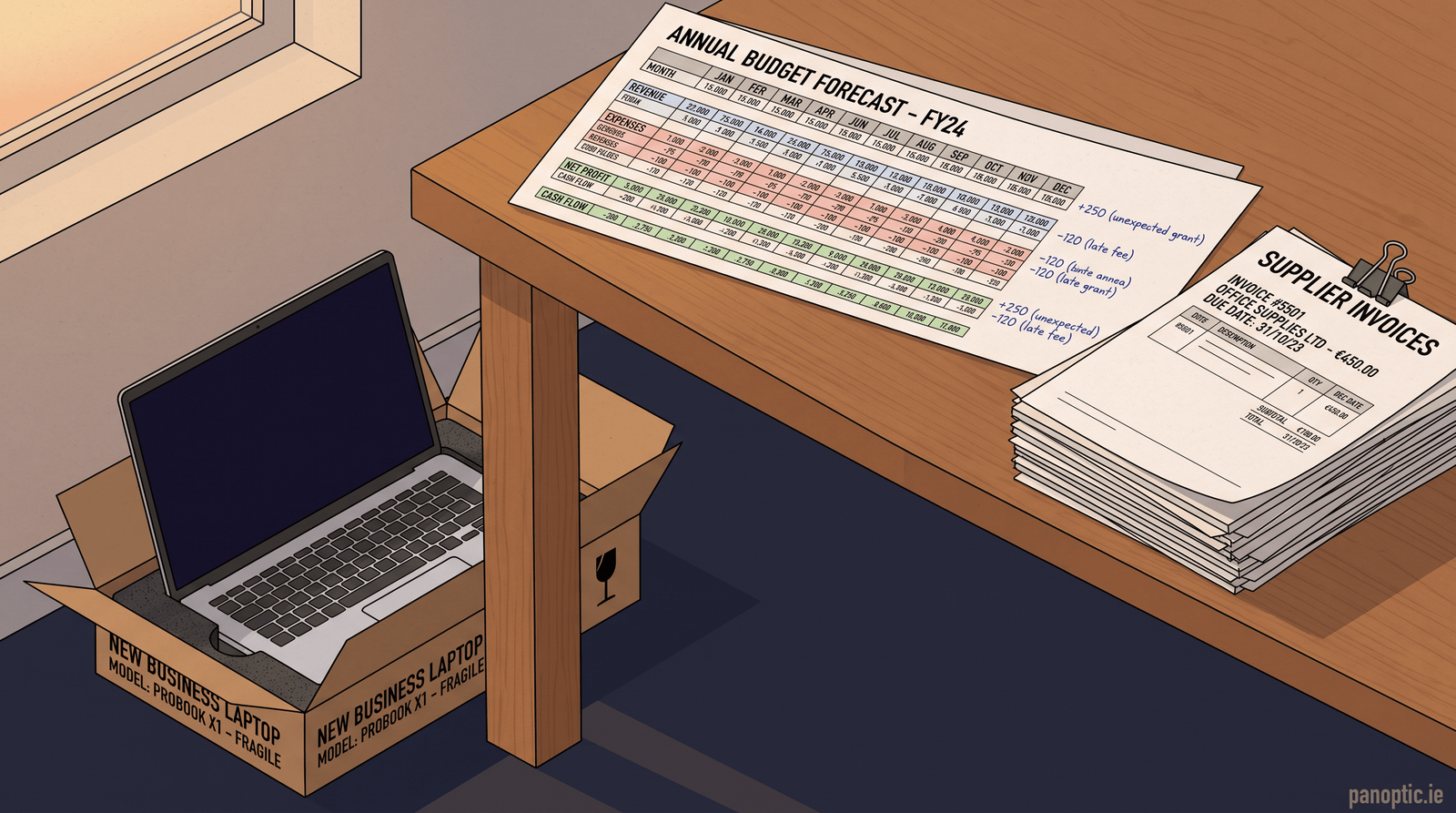
A worked twelve-month shape
You do not need a single annual figure to start. You need the shape.
- Flat every month. Support, security, licences, connectivity and backup. For most businesses this size that is the large majority of the total, and it should not move much month to month.
- One or two heavier months. The hardware batch, an annual security test, and any project you have committed to. Put them in months you know are kind to cash.
- A contingency line. I would hold back five to ten per cent of the annual total. It covers the machine that dies, the extra person who starts in June, and the week that goes wrong.
If the flat portion is small and the lumpy portion is large, you are running reactively, and the year will cost more than the plan says.
The lines most businesses forget
- Joiners and leavers. Every new start needs a machine, a licence and setup time. Every leaver needs their access removed in full. A 30-person firm often sees six or eight of these a year.
- Staff training and phishing simulation. Recurring, inexpensive, and the control most likely to stop a real loss.
- Independent testing. A penetration test is a separate cost from your security subscription. Ours start at €3,995, listed on the pricing page alongside the testing service itself.
- The incident you have not had. The excess on your cyber policy, the lost hours, and the cost of catching up afterwards. The National Cyber Security Centre publishes guidance for small organisations that is a sensible starting point.
- Advice. Someone to tell you what is coming next year before it lands. That is what our Technology Success Program exists to do, and it sits in the plan as a known line rather than an hourly bill.
What to do before your next financial year
Three steps, in order.
- Build the one-page list of what you spend today.
- Put your real headcount and device count into the calculator and compare the range against that list.
- Decide your hardware replacement cycle, and mark the next two years of it in the plan.
That moves you from "IT costs whatever it costs" to a number you can defend in a board meeting. If you want a second pair of eyes on the list, talk to us and we will go through it with you.
How much should an Irish SMB spend on IT each year?
There is no single figure that fits every business, because cost follows your device count, your compliance obligations and how much an hour of downtime hurts you. Rather than work from a national average, price your own shape: recurring support, security, licences, connectivity and backup, plus a hardware replacement cycle. Our pricing calculator takes a user count and a device count and returns a range.
Should we budget IT per user or per device?
Both. Support and licence costs follow headcount, while security tooling, patching and backup follow the number of machines. A 30-person firm often runs 40 to 50 devices once servers, shared PCs and second machines are counted, so a budget built on headcount alone will fall short. Count your devices before you price anything.
How often should we replace laptops and desktops?
A four-year cycle suits most office machines, and a three-year cycle suits anyone running heavy design or video work. The point is to replace a fixed share of the fleet every year rather than the whole fleet at once. Across 30 staff, a four-year cycle means roughly seven or eight machines a year, which is a planned cost instead of a shock.
Is Microsoft 365 licensing part of IT support or a separate budget line?
Treat it as its own line. Licences are billed per person per month and move as your headcount moves, while a support contract covers the work of keeping everything running. Keeping them apart makes it obvious what a new hire costs you on day one, and it stops licence growth hiding inside a single IT figure.
How much should we set aside for a cyber incident?
Budget for the excess on your cyber insurance policy, plus lost working hours and the cost of catching up afterwards. A contingency line of five to ten per cent of your annual IT spend covers the smaller events. The larger ones are what insurance and tested backups are for, so confirm both are in place before you rely on the contingency.