In short
Start with a job that happens at least weekly and whose rule you can write in one sentence. In most Irish SMBs that means order or enquiry intake, invoice matching, new starter and leaver setup, the weekly report, or request routing. Leave exception-heavy work, processes nobody has agreed, and anything where a client relies on a person's judgement. Most of the effort goes into the process, not the tool.
Most automation projects I see start in the wrong place. Someone buys a licence, watches a demo, then goes looking for a process that fits the tool. The order should run the other way. Find the job your team repeats every week, then work out what can take it off them.
The question I get asked is rarely whether to automate. It is what to automate first. Here is how we answer it.
The two questions that decide whether a job is ready
Before looking at any tool, we ask two things about the process.
Does it happen at least weekly? Frequency is what pays for the build. A job done once a quarter can stay a checklist. A job done forty times a week is worth engineering, even when each instance takes four minutes.
Can you write the rule down in one sentence? "Every order email goes into the system under the customer's account code, and anything without a code goes to the sales inbox" is a rule. If your answer runs to a paragraph and contains the word "depends" twice, you have a decision rather than a task, and decisions need a person.
A process that passes both tests is ready. A process that passes neither is not an automation problem yet. It is a process problem, and building on top of it makes the mess faster.
Five jobs worth automating first
These five come up most in our onboarding conversations, roughly in the order they tend to pay off.
Order and enquiry intake
Orders arrive as email text or PDF attachments, and someone retypes them into the system. In a wholesale business that can absorb a full morning, and every retype is a chance to mistype a quantity. Reading the fields and creating the order record is well-trodden work, and it is the change our wholesale and distribution clients feel fastest.
Invoice and statement matching
Somebody in accounts opens two screens and compares numbers. The rule is arithmetic, the volume is high, and the exceptions are easy to spot. Match what matches, then put the rest in a queue for a person with the reason attached.
New starter and leaver setup
Account, licence, mailbox, groups, shared folders, phone, and the applications nobody remembers until week two. By hand it is slow and inconsistent, and the leaver half is where risk quietly builds up. An agreed template turns both into one form. This is the part we standardise during onboarding, because it pays back every time someone joins or leaves.
The report someone rebuilds every Monday
Ask around and you will find at least one. The same export, the same pivot table, the same two hours. The numbers already live in a system, so the report can assemble itself and land in an inbox before anyone is at their desk.
Request triage and routing
A shared inbox sorted by hand, sometimes twice, because the first person to open it was not the right one. Routing on sender, subject and a short keyword list handles the bulk and leaves the unusual ones for a person to read properly.
What to leave alone for now
This half of the list matters as much as the first.
Exception-heavy work. Where more than a quarter of cases need a judgement call, you will spend longer maintaining the exceptions than you saved on the straightforward ones.
Processes nobody has agreed yet. Where two people do the same job differently and each believes theirs is correct, automating the process picks a winner by accident. Agree it on paper first, then build.
Decisions with a real effect on a person. Article 22 of the GDPR gives people the right not to be subject to a decision based solely on automated processing where that decision produces legal effects, or affects them in a similarly significant way. Credit, hiring and eligibility calls belong in that territory. Keep a person in the loop and record that they were.
Work that takes ten minutes a month. It is tempting because it is easy. It is also ten minutes a month.
Where the effort goes
Owners are often surprised by how little of the work is the tool. On a typical build, the tool is a day and the rest is everything around it.
The process has to be written down and agreed by the people who do it. Permissions need to be set so the automation can reach the systems it needs and nothing else. Logging has to exist, so that when something fails you can see which record failed and why. And somebody has to own it, by name, for when a supplier changes their invoice layout in eighteen months.
That last one is the reason most small automations die. They work, the person who built them moves on, nobody knows how they work, and eventually someone turns them off. Tools such as Power Automate make the building straightforward, and Microsoft's own documentation is a reasonable place to start. What your licences already include is worth checking before you plan around it, because the answer differs by plan and it moves.
What to do this month
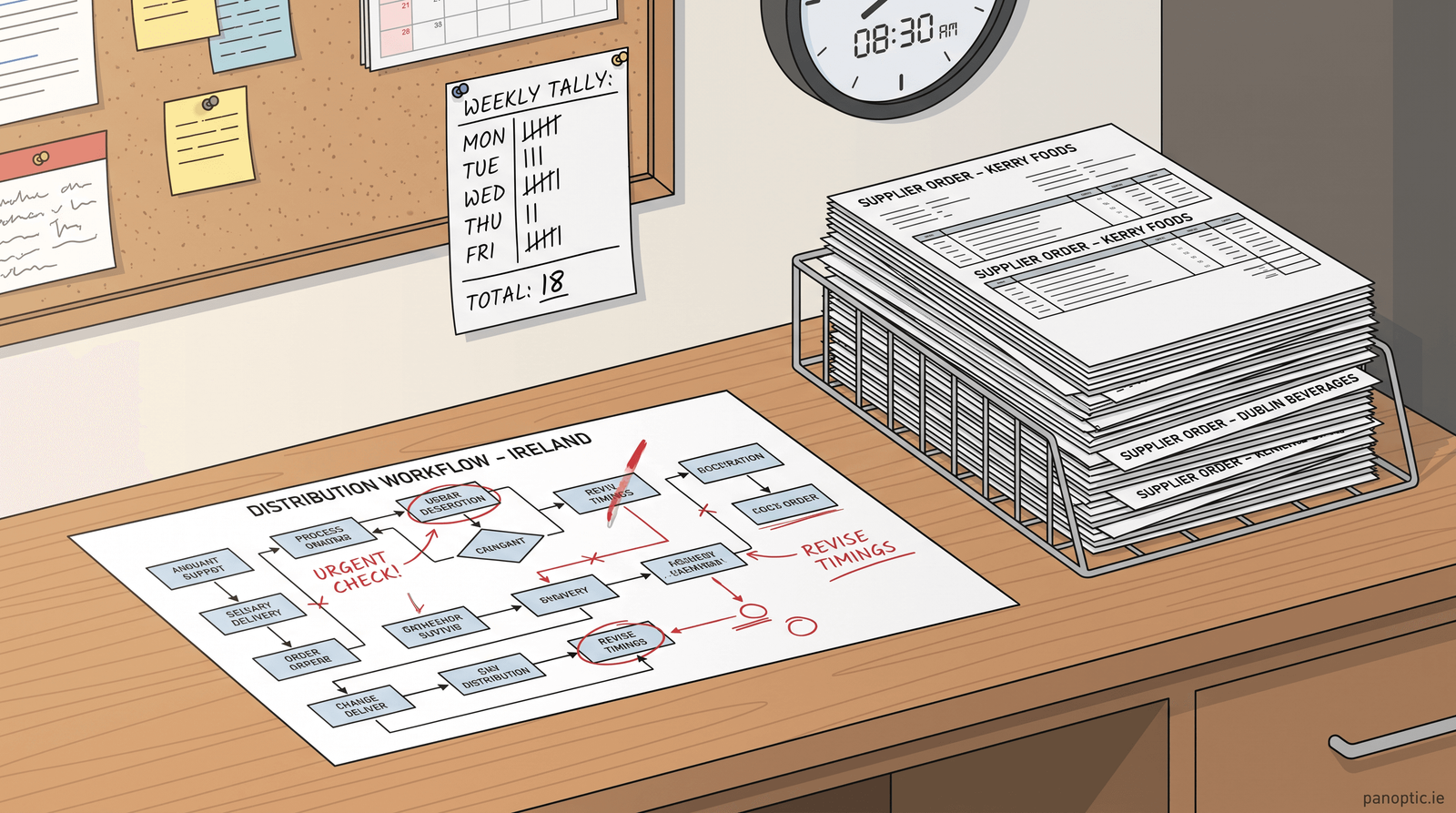
- Count the repeats for one week. Ask your team to note anything they did more than five times. No analysis, a tally.
- Pick the dullest one. Not the most visible, not the one the loudest person complains about. The one with the least judgement in it.
- Write the rule in one sentence. If you cannot, you have found the real work, and it is worth doing on its own.
- Build the small version. One process, one week, measured against how long it used to take.
One process done properly is worth more than a platform nobody trusts. When you want a second pair of eyes on which job to start with, that is what our business automation work is for, and you can talk to us about the one on your list.
What should a small business automate first?
Start with a job that happens at least weekly and has almost no judgement in it. In most Irish SMBs that means order or enquiry intake, invoice and statement matching, new starter and leaver setup, a report somebody rebuilds every week, or triaging a shared inbox. Pick the dullest of those rather than the most visible one.
How do we know if a process is ready to automate?
Two tests. It has to happen often enough to pay for the build, which in practice means weekly or more. And you have to be able to write the rule in one sentence. If your description needs a paragraph and the word depends, the process is a decision and it needs a person, or it needs agreeing before anyone builds anything.
Do we need AI to automate a process, or will simpler tools do?
Most of the jobs worth doing first need no AI at all. Rules, forms and scheduled tasks handle order intake, report building and account setup. AI earns its place where the input is messy, such as reading a supplier PDF that changes layout. Start with the rule-based version, then add the clever part where it is needed.
Which processes should not be automated?
Anything where more than about a quarter of cases need a judgement call, any process your team has not agreed on yet, and decisions with a significant effect on a person, such as credit or hiring, where GDPR expects a human in the loop. Also skip work that takes ten minutes a month. It is easy to automate and worth almost nothing.
Who looks after an automation once it is built?
Name a person before you build, not after. Automations break when something upstream changes, such as a supplier altering an invoice layout or a system being upgraded. Whoever owns it needs access to the logs, a note of what the rule is meant to do, and the authority to pause it. Unowned automations get switched off eventually.